 Worth another shot.
01 / ANOTHER TAKE
Give it another take.
A fleeting expression. An almost-perfect selfie. Explore a different version of the same moment.
 Coming to iPhone
You love the moment. The photo? Almost.
Give it another shot with AI.


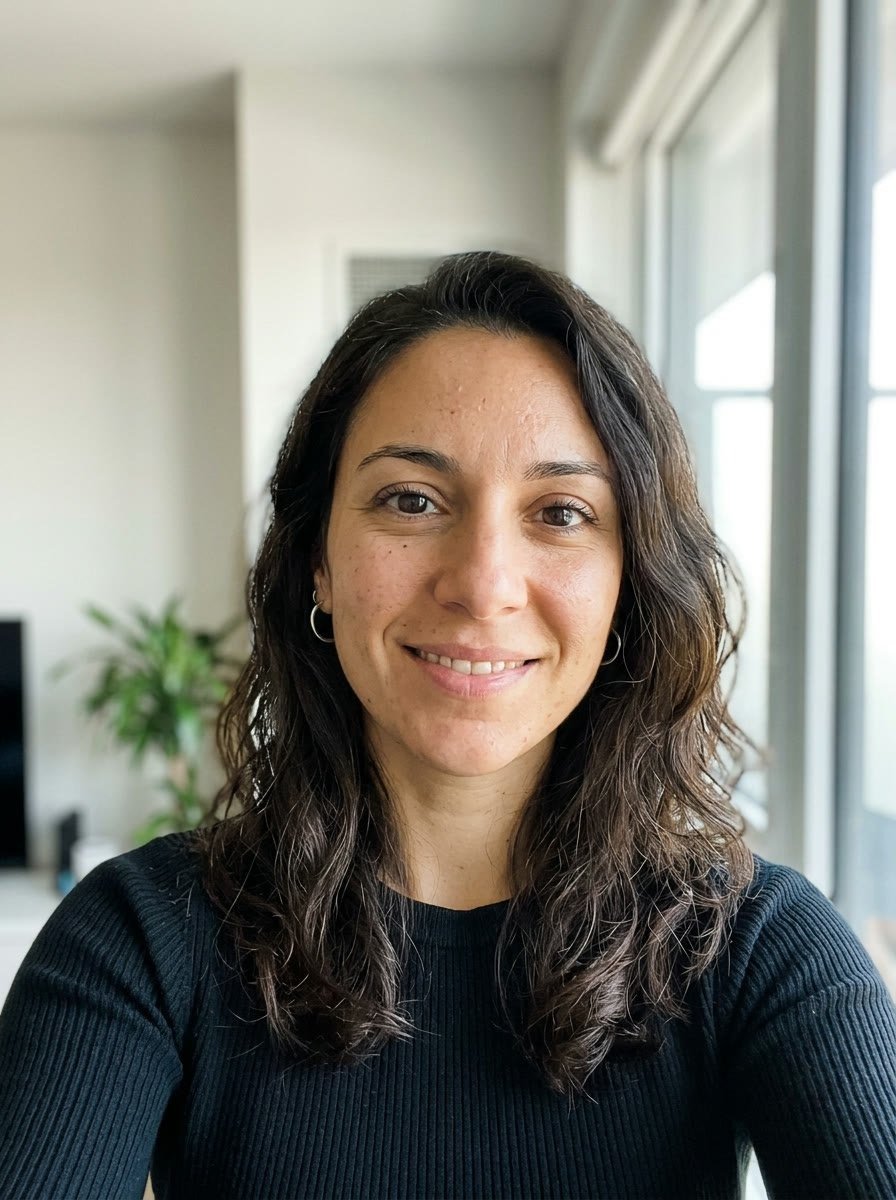
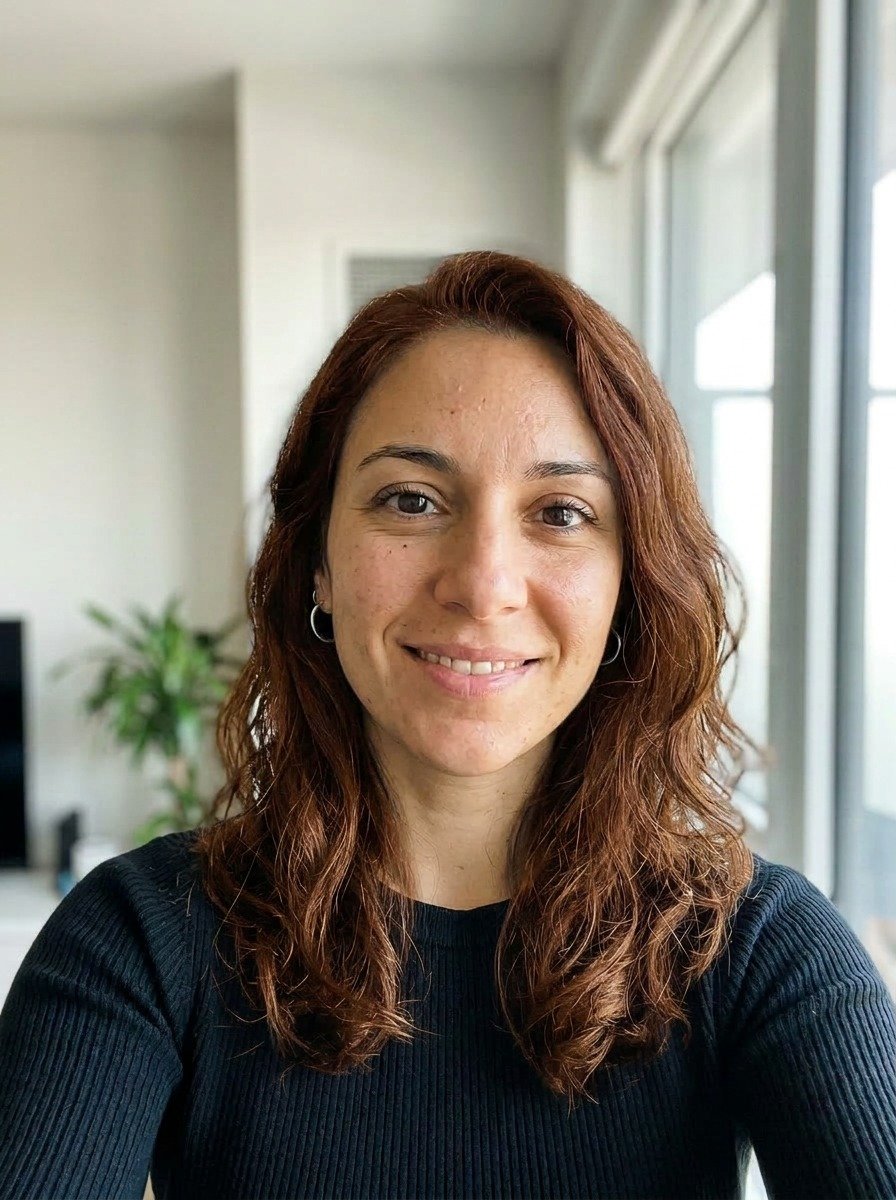
Drag to compare
A fresh colorIllustrative AI edit · Synthetic portrait
Try a different hair color. Find a softer light.
Move the slider to see what a little edit can do.
Slide to compare. You decide what feels like you.


Illustrative AI edits using synthetic portraits. Results vary by photo.
Worth another shot.A fleeting expression. An almost-perfect selfie. Explore a different version of the same moment.
Try a hair color without the commitment. Find a look that belongs in your camera roll.
 Good light looks good on you.
A softer light can change the whole feeling. Give your favorite photo a little lift.


Start with a photo you already love.
Or one you almost love.
Choose what you want to change.
Let AI work on a fresh version.
Compare your options.
Save the one that feels right.
 Meet your camera roll’s new favorite
SnapOver for iPhone is coming soon.
Explore the edits Keep this feeling.
Edits start with photos you pick. Nothing else leaves your camera roll.
Face detection runs on your iPhone, not on a server.
Single-edit source images are normally removed from our servers after 7 days.
One tap removes your account, photos, results, and history. Read the privacy policy.
SnapOver is an AI photo editing app for giving an existing photo a fresh take. Explore edits to lighting, hair color, and more, then compare and save your favorites.
Yes. Quick edits start with the photo you choose. Pick an edit, generate your options, and compare them with your original.
The interactive examples are AI-generated edits of synthetic portraits, created to illustrate hair color and lighting changes. They were not generated through the app. The lifestyle photos are also synthetic; they are not customer photos or in-app screenshots.
No. AI edits depend on the photo and the change you choose. Compare each result with your original and keep the version you like.
The iPhone app is in development. This page is a preview; a download link will be added when the app is available.
Only the photos you choose are uploaded for an edit, face checks run on your device, and single-edit sources are normally deleted from our servers after 7 days. You can delete your data any time in Settings. Details in the privacy policy.